A dedicated agent sandbox to build 3D models.
Just prompt and receive your models.
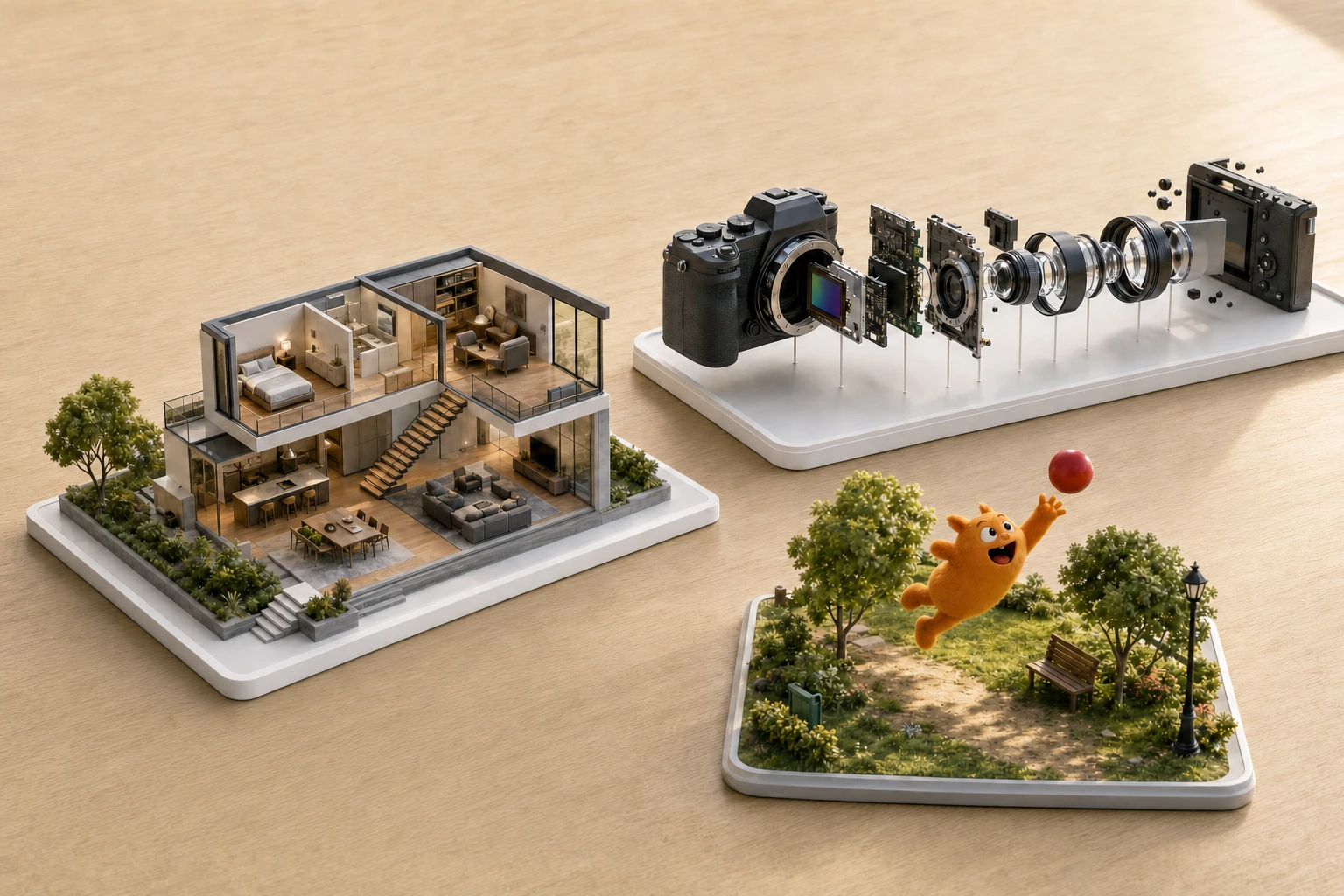
Illustrative examples · Select one to explore
FROM PROMPT TO MODEL
Make a model with your agent.
Describe what you want. Get a preview and the editable Blender file.
- 01
Copy the prompt
Paste it into your agent and describe your model. The prompt links to the skill and explains how to connect.
- 02
Build your model
Agents with tools can connect after you approve access. In a plain chat, ask for a script and paste it into the workspace below.
- 03
Review and revise
See the render, request changes, and download the editable Blender file. Your project keeps its revision history.
01 /
The workspace
Your script. Its own isolated workspace.
A saved scene + a rendered preview.
Project history
Restore an earlier scene without erasing its history.
Your completed scenes will appear here.
Example scene.
Run a scene to see your rendered preview here.
Run a scene to see your rendered preview here.
Your scene is saved.
Run details
Private scenes. Isolated execution. Editable files.